Pronounced ee-lee-MEH-tra.
Elimetra is an offline-first technical-office platform for construction and infrastructure projects. It reads the project's drawings together with BOQ workbooks and project files, and produces quantities, inspection records, payment packs and submission folders for contractors, quantity surveyors, civil engineers and technical offices.
Pictures of the program's own window, on the demonstration project (North Ring Road). Press a picture to open it full size.
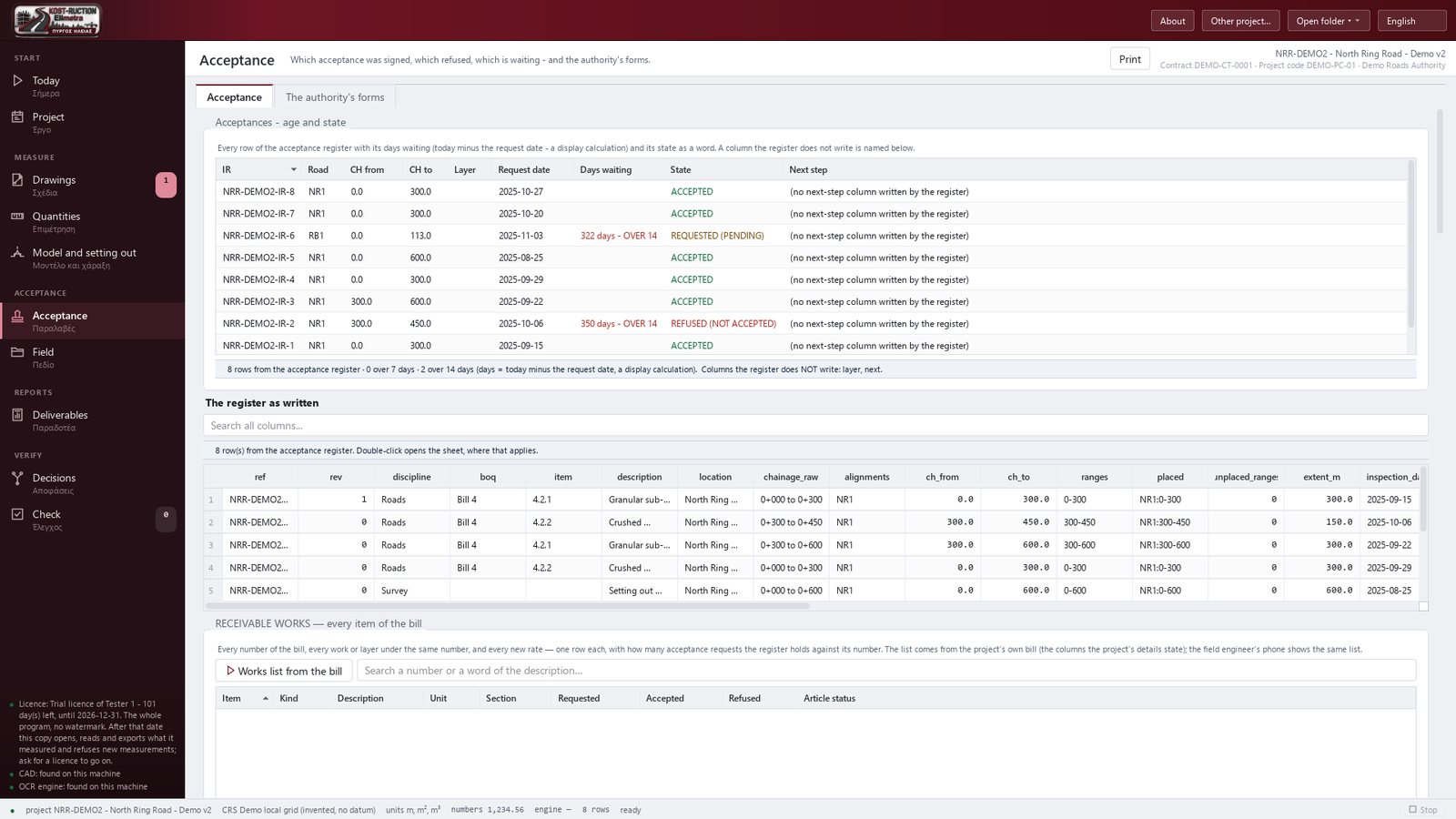
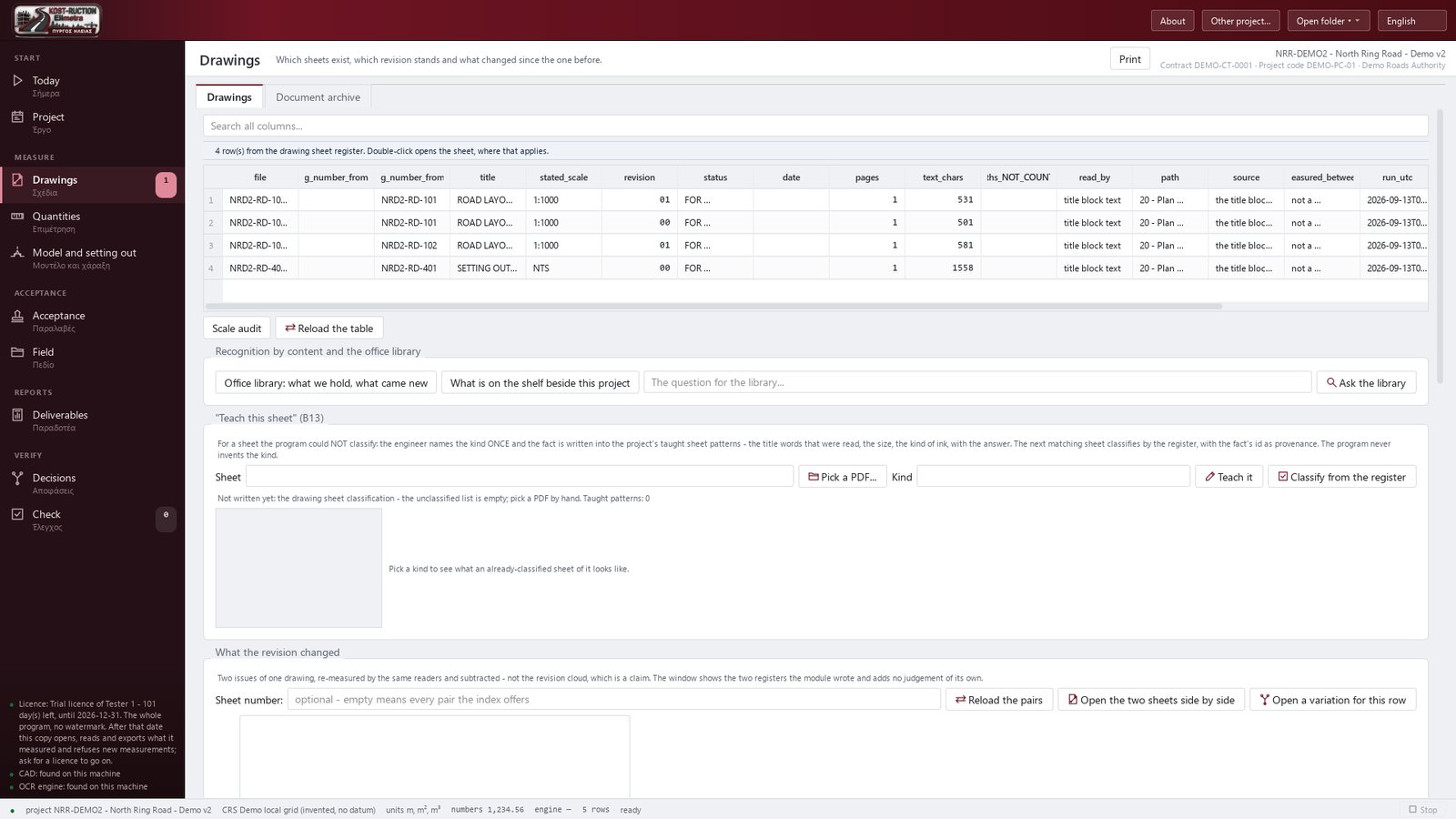
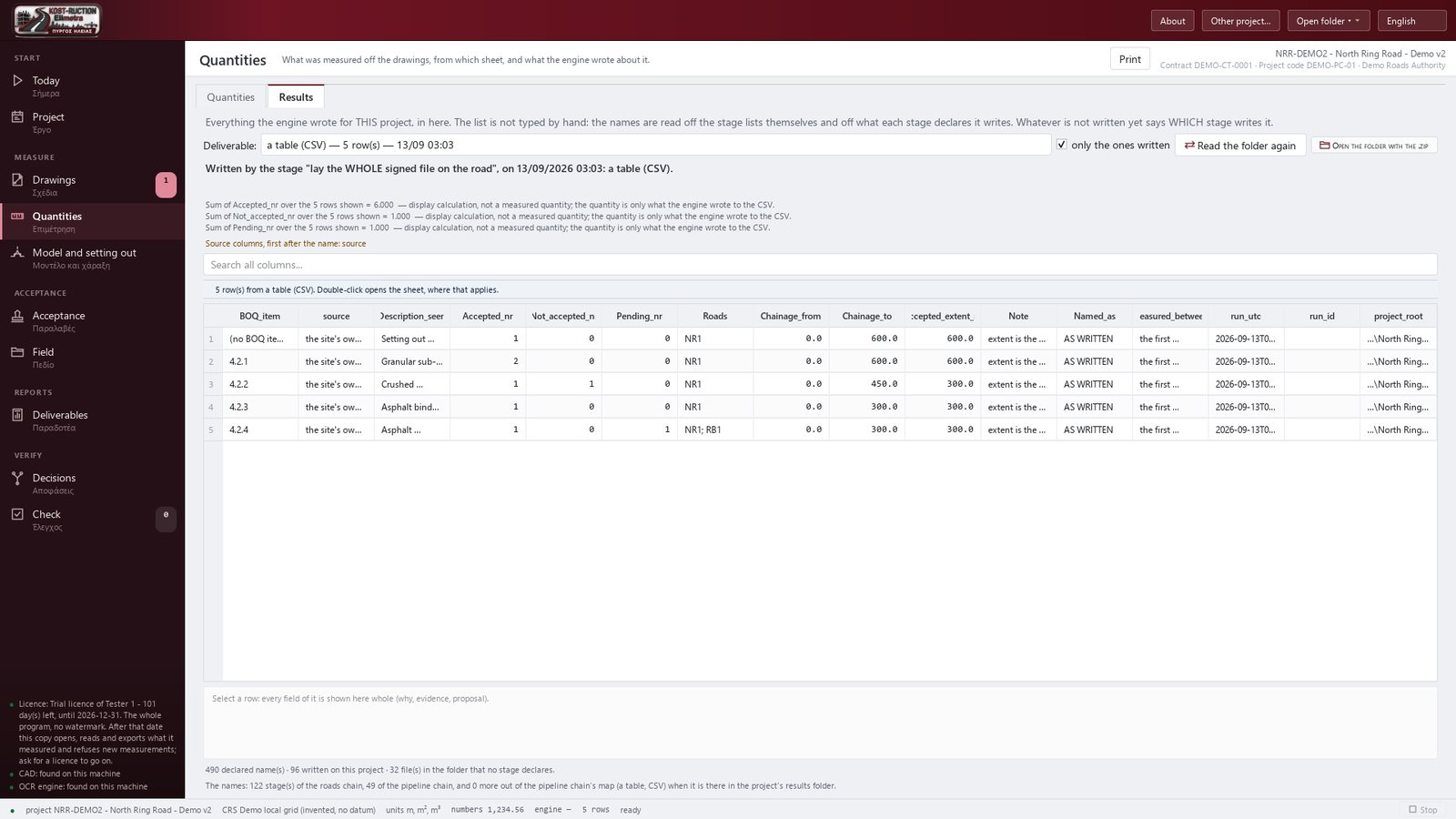
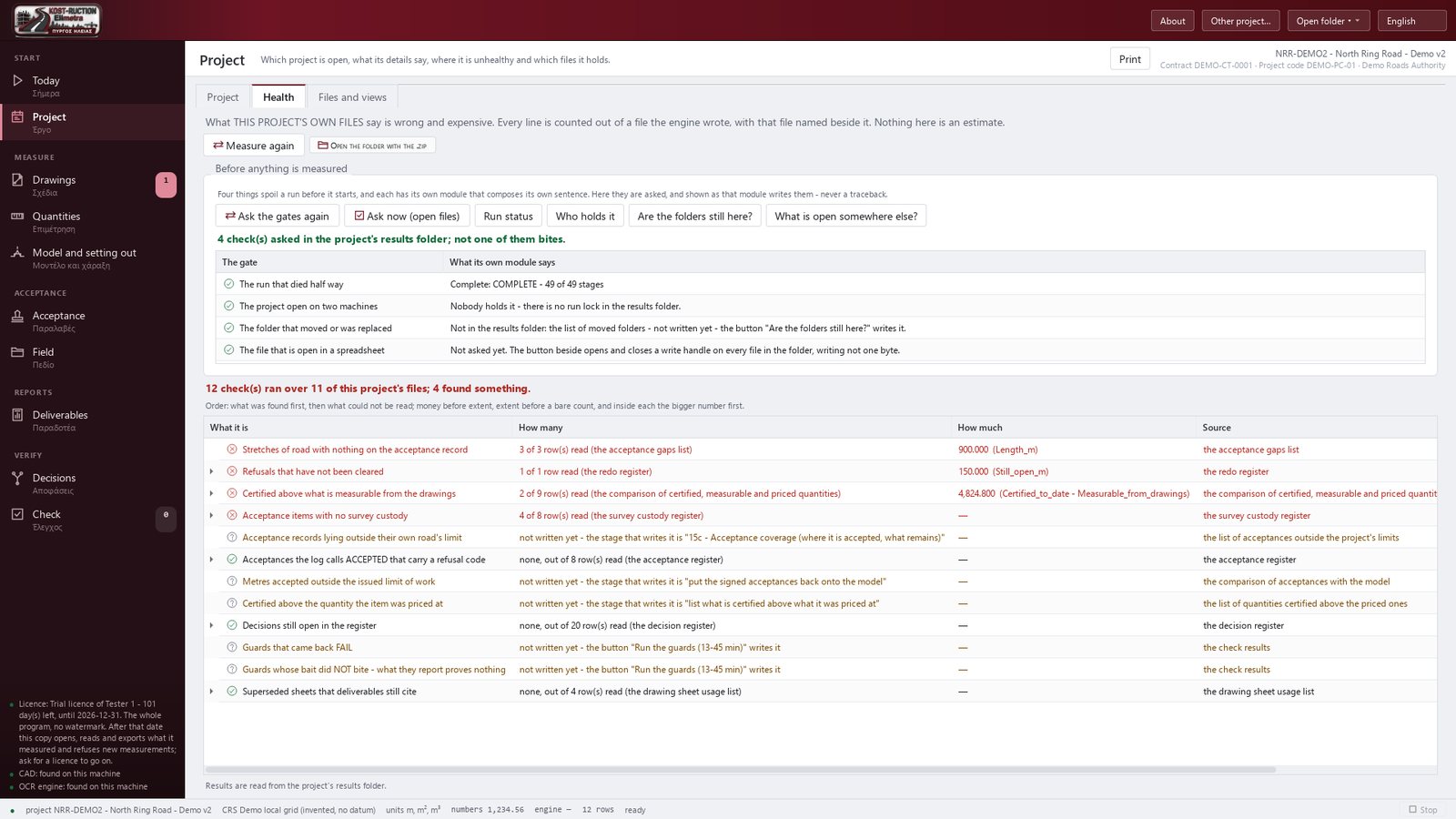
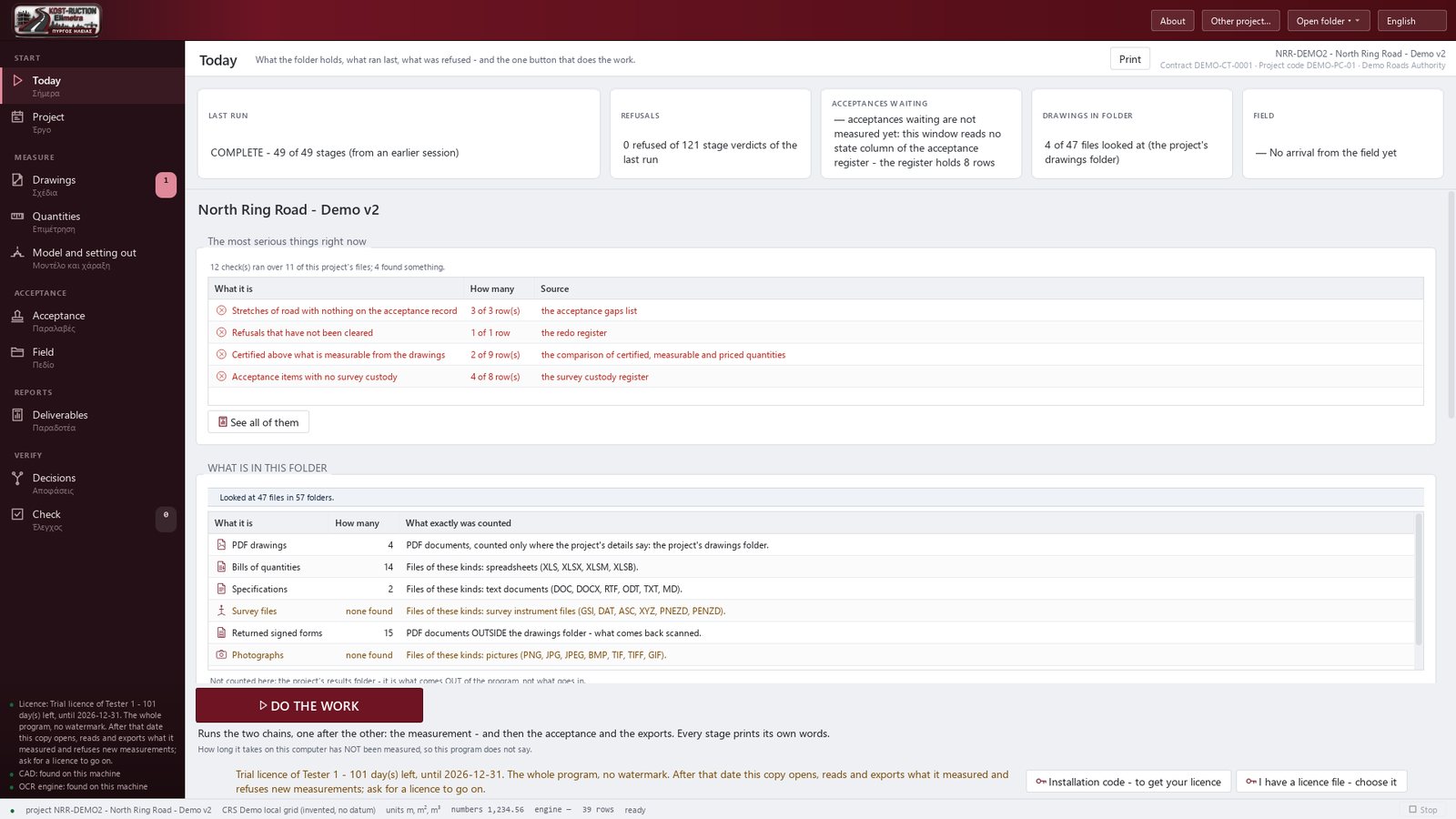
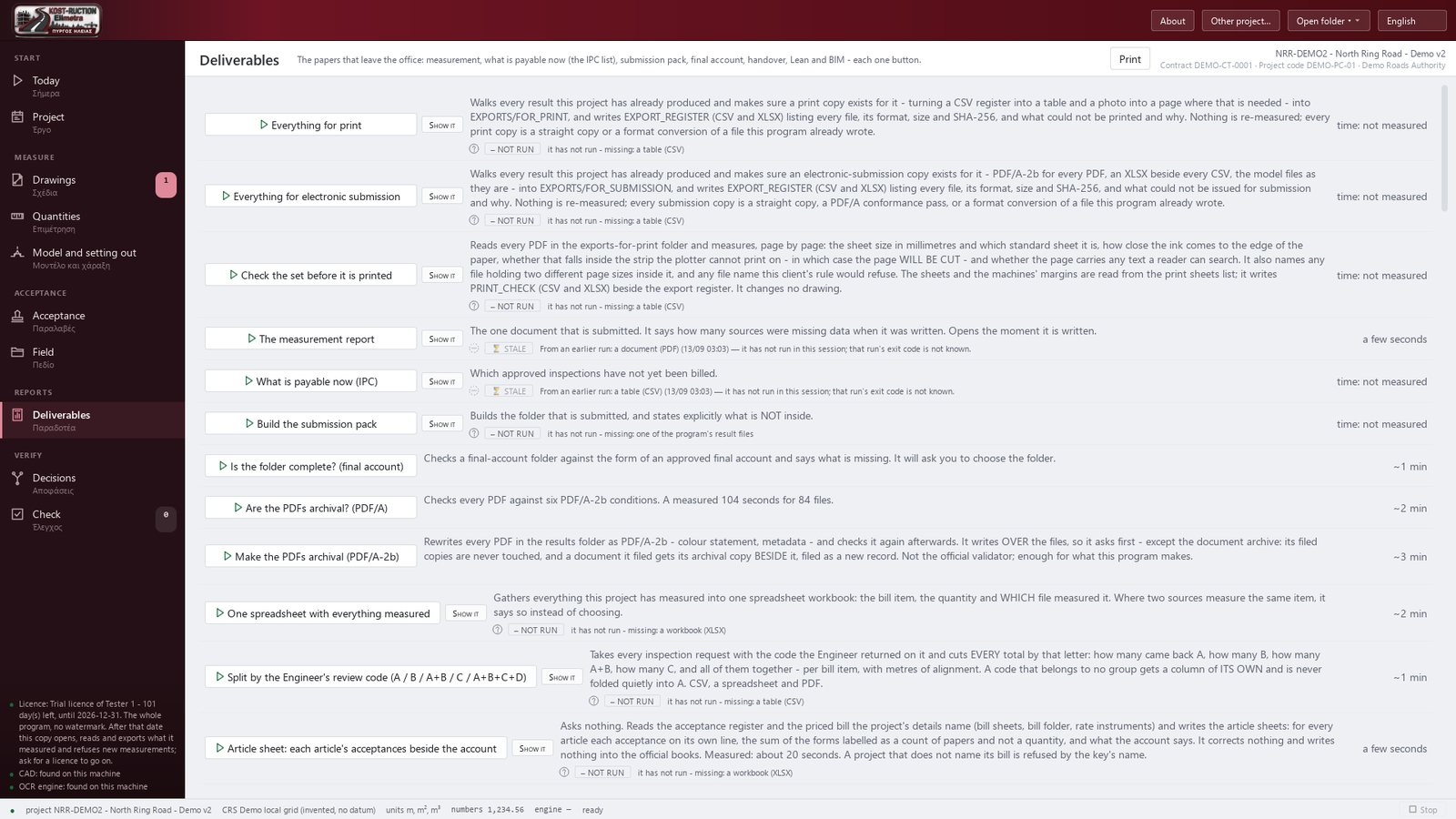
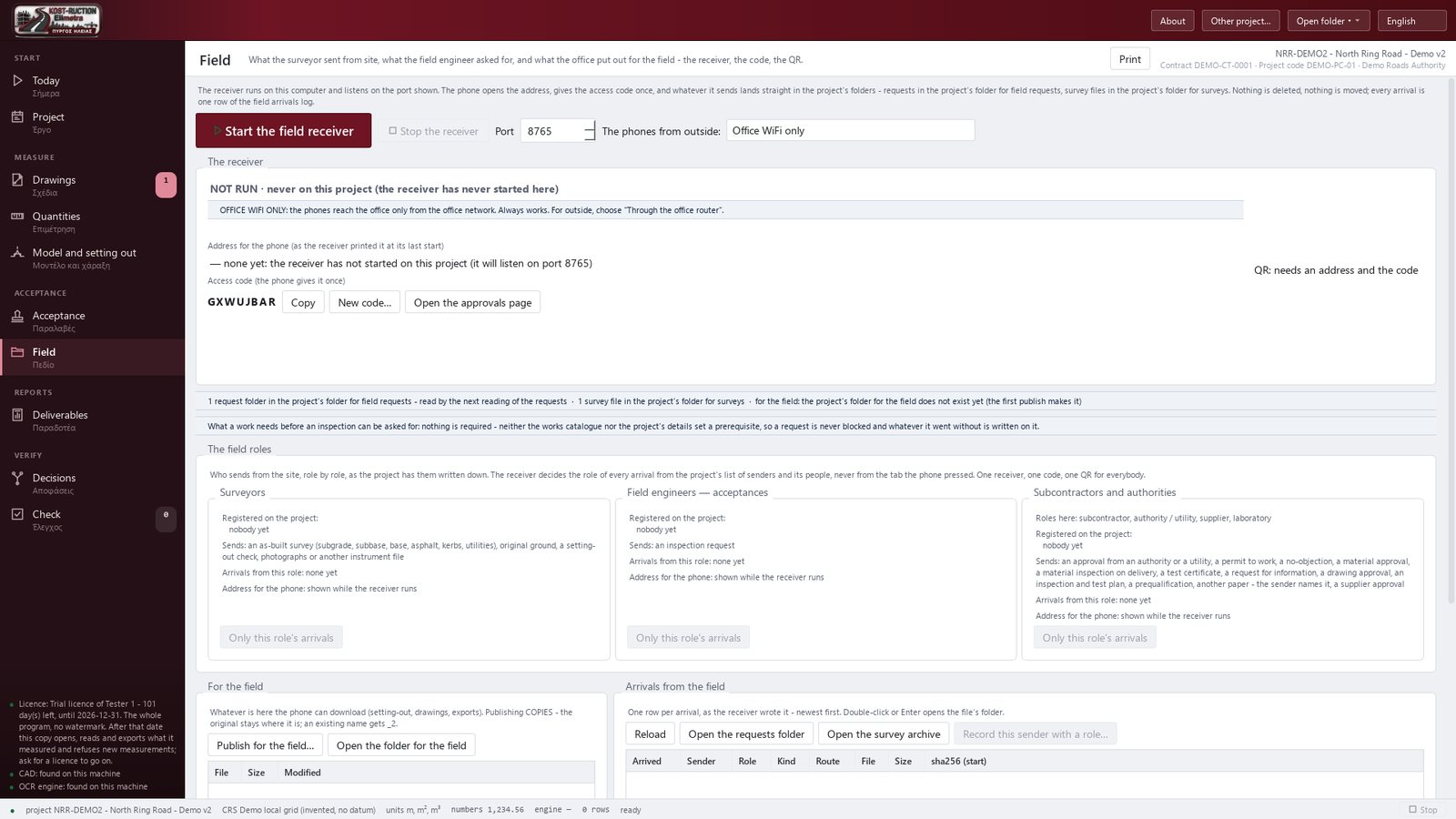
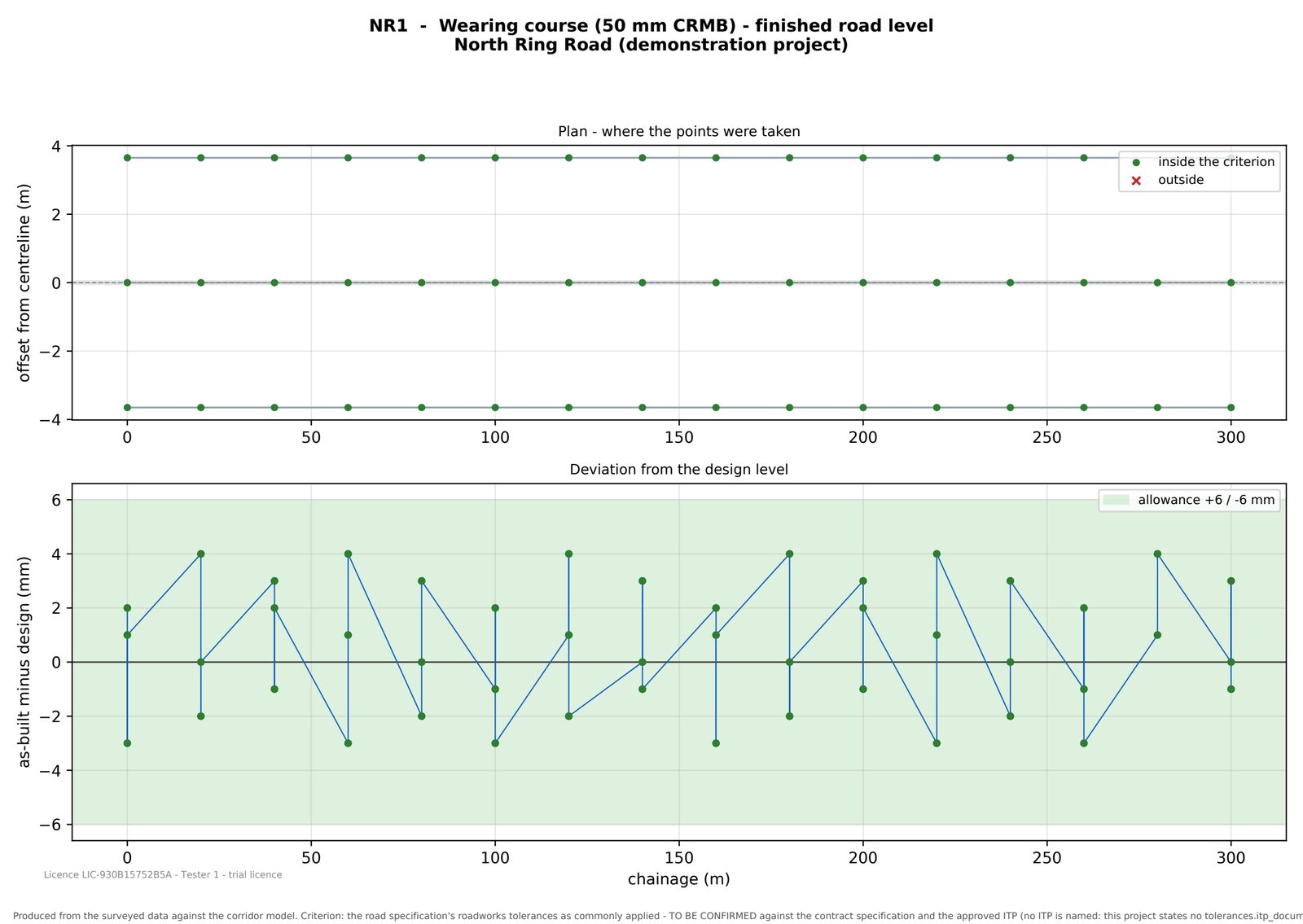
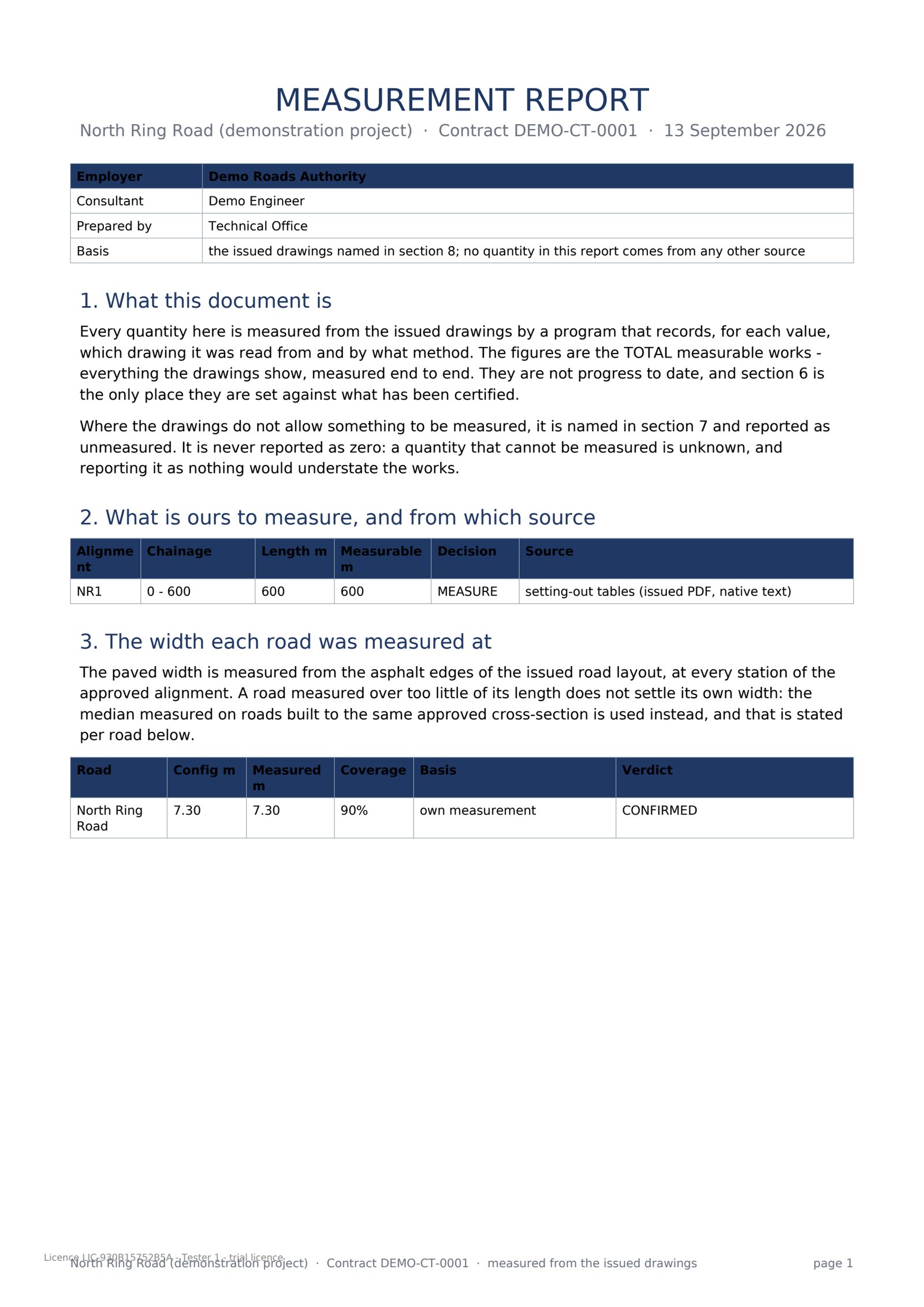
Every picture and video on this page shows the demonstration project, not a client's project.
Four steps, from an empty project folder to a signed acceptance pack.
Start a new project or open a folder that already holds your PDF drawings.
It reads the issued drawings and produces quantities.
Tell it what you are having accepted and it produces the whole pack: the form, the governing drawings, the data sheet, the sketches, and one combined PDF.
The measurement report, the submission pack, the model exports and the setting-out points — written inside your project's own folder, ready to hand over.
A clash register written back as BCF 2.1 issues, and a 4D / 5D programme with one activity per road, layer and stretch. The clash check itself reads its tolerances from the project's own document; it has not yet been run on a real project model - that part is coming.
Rendered from the demonstration project's own model and programme.
Every output is an ordinary file on your own disk — readable with or without the program.
Opens one page on a phone — no app, no account — and sends files, photographs and acceptance requests to the office computer.
Gets setting-out points straight off the model, for every kind of work — layers, edges, kerbs, chambers — exported as a GSI-16 file or as PNEZD / PENZD spreadsheet rows, ready for a total station.
Runs the quantities, keeps the drawing register (which sheet applies, which revision stands, what changed between two revisions), and produces the measurement report and the submission pack.
Uses a free viewer licence: opens, reads, shows and exports everything already measured.
Every number has a source. For every quantity it tells you the sheet, the revision and the page it was measured on.
A wrong number is refused, by name. Where it cannot be sure of something, it does not guess: the value stays empty, and the program says what is missing and who has to supply it.
It never fills the Engineer's half. Elimetra fills in only the Contractor's half of an acceptance form.
It works offline. No account, no cloud service, no advertising.
Sold through the Microsoft Store only. The price table is signed and built into the program, so no copy can show a different price.
| Licence | Price | What it means |
|---|---|---|
| Personal (solo) | 12 € / month or 120 € / year |
One named person, one computer. The whole program. The one and only restriction is a visible watermark on every page of every PDF it writes. A reduced scale (4 € / month, 40 € / year) applies to engineers registered in a set of listed countries. |
| Company (per project) | 1,800 € / project 3,200 € for a large project |
One construction project, its whole duration. No limit on the number of users or computers in the holder's own offices. No watermark. A large project (more than 20 work orders or more than 500 drawings) is priced at 3,200 €. |
| Office | 600 € / year | Up to 5 named people of one office, any number of projects, no watermark. A yearly licence. |
| Viewer | Free | For the supervising side. Opens, reads, shows and exports what has already been measured. Produces no new measurements. No watermark. Free to anyone, always. |
| Trial | Free | For a named engineer testing the program, to the date written in the trial file. Until that date: the whole program, no watermark. Free. |
| Student | Free | Free with an academic e-mail address. Output is stamped as a personal (solo) deliverable. |
Your licence never locks your work: past its date the program still opens, reads, calculates and exports exactly as before. The only changes at expiry are the watermark on new PDF files and one line on the start screen. To buy or renew a licence, install Elimetra from the Microsoft Store, open it and press "Installation code — to get your licence", then e-mail the code to info.kost-ruction@proton.me.
No. The corridor is built and measured from the PDF drawings alone, with no CAD application on the machine. When a CAD application for road design is installed, Elimetra can also build a real corridor model inside it; without one, everything else — reading, measuring, the acceptance packs, the exports — still runs normally.
Drawings that carry their own text — DXF files, and PDF files that came out of a CAD application — are read normally. A scanned drawing (a photograph of paper) needs an OCR engine to be read as text; that engine travels inside the installed package, so on a finished installation this works without anything extra. Everything else in the program works even where scanned drawings cannot yet be read.
It counts signs, lighting poles and other items paid by the piece from the typed labels on the layout drawings, but it does not yet measure the metres of painted lines, lighting cable and barriers from a button, and it does not read labels that exist only inside pictures. It lists what is payable now and fills your chosen payment-certificate template with those figures, but it does not yet write the full payment application in the authority's own multi-sheet form, and it never certifies - only the Engineer's signed certificate is official. The measurement of utility networks is thinner than the measurement of the road: pipe lengths largely come from the designer's own data and setting-out tables and have not yet been checked against acceptances on a real project.
Install Elimetra from the Microsoft Store — that is the only place it is sold. Open it, press "Installation code — to get your licence", and e-mail that short code to info.kost-ruction@proton.me. When the licence file comes back, press "I have a licence file — choose it" and pick it.
Licences, questions, problem reports and security or vulnerability reports.
info.kost-ruction@proton.me